Hacked on Day One: How a New Hire's Login Was Stolen in 21 Seconds
Her first day on the job. New laptop, new accounts, a handful of setup emails. Somewhere in that busy, distracted window, she landed on a sign-in page that looked exactly like Microsoft's.
She typed her password. She approved the MFA prompt. She ended up in her real inbox, and nothing seemed wrong.
It would be 111 days before anyone found out an attacker had been holding her account the whole time.
The 21-Second Giveaway
The page she reached was not a simple fake that just steals passwords. It was a relay. Everything she typed was passed to Microsoft in real time, including her MFA approval. Microsoft completed the sign-in and handed the attacker a fully verified session. Then the page sent her on to her real Outlook.
In the audit logs, it shows up as two sign-ins just 21 seconds apart: the attacker's from a mobile network she was not on, then hers from her home office. That gap is the fingerprint of this attack.
That night, the attacker used the stolen session to set up ongoing access to her Outlook from a second network.
Two Months on the Shelf
Then the access went quiet for 68 days. No reading, no sending, nothing.
A long gap followed by a quick "is this still working?" check is common when stolen logins are stored and resold to other criminals. We cannot confirm that happened here, but the pattern fits.
Reading the Right Emails
When the attacker came back, they connected from a cloud hosting provider and signed in automatically about every four hours, reading new mail as it arrived. They were not browsing at random. They opened:
- Invoices and receipts
- Donation requests and donor replies
- Vendor quotes and grant correspondence
- Notices about who administers the organization's online fundraising account and where payouts go
In total, they opened 319 emails. They also drafted a forward of a genuine "shared a file with you" notice, a common way to send new victims to a fake sign-in page, though no send was recorded.
Setting Up the Impersonation
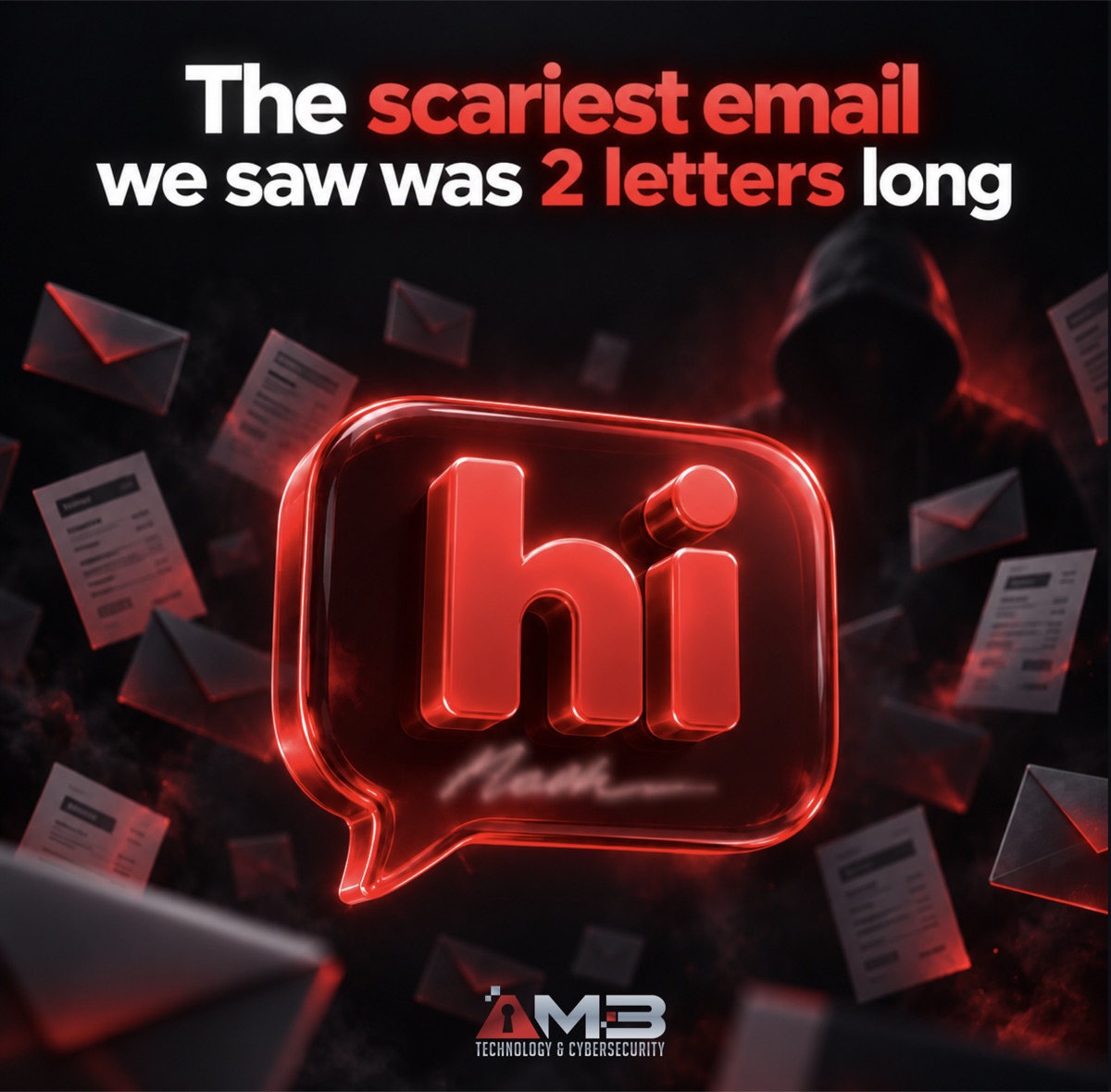
On their final push, the attacker opened 118 emails in about two minutes. Then they sent a one-word test email, just "hi" plus her signature, to an outside personal address. That confirmed the account could send externally and gave them a perfect copy of her email signature.
Minutes later, they used her email address to sign up for, and pay for, a remote-support tool account named to look like the organization's own IT department. A link from that account could look like a legitimate IT support session to anyone who received it.

Here is the frustrating part: she noticed. She reported several of those sign-up emails as junk. But the reports went to a mailbox nobody was monitoring, so no alert or ticket was ever raised.
How It Was Finally Caught
On day 111, a Microsoft risk alert flagged a sign-in from the hosting provider and passed it to our help desk. Our team confirmed the compromise and, that same evening, revoked every active session, blocked sign-in and reset her password and MFA methods.
Revoking the sessions was the step that mattered. Every attacker sign-in had reused that original stolen session, which already counted as "MFA verified." A password reset alone would not have kicked them out.
We also blocked the attacker's test address across the organization and had the fake remote-support account shut down by the vendor. Searches of every mailbox found no invitations from it.
What Would Have Caught It Sooner
This attack offered several high-confidence warning signs long before day 111:
- Day one: two sign-ins seconds apart from different networks
- Day 72: Outlook opened from a cloud hosting provider, not a home or office
- Day 103: a remote-support tool sign-up landing in the inbox
- Day 103: the employee's own junk reports going unread
With continuous Microsoft 365 monitoring, and user reports routed to the help desk as tickets, the account would very likely have been locked before the attacker read a single email.
What Your Business Can Do
- Protect new hires before day one. Onboarding is a high-risk window. Show new staff what your real sign-in page and MFA prompt look like.
- Use phishing-resistant MFA where you can. Passkeys and number matching make relay attacks much harder.
- Make sure phishing reports reach a person. A report that lands in an unwatched mailbox is the same as no report.
- Warn vendors and donors about payment changes. Ask them to confirm any new bank details by phone, never by email alone.
- Watch your accounts in real time. Continuous monitoring catches odd sign-ins and suspicious sign-ups as they happen.
Is anyone watching your Microsoft 365?
AM3 Technology & Cybersecurity can review your setup and catch attacks in minutes, not months. Call 786-310-3456 to book a Microsoft 365 security check.
Book a Microsoft 365 Security Check